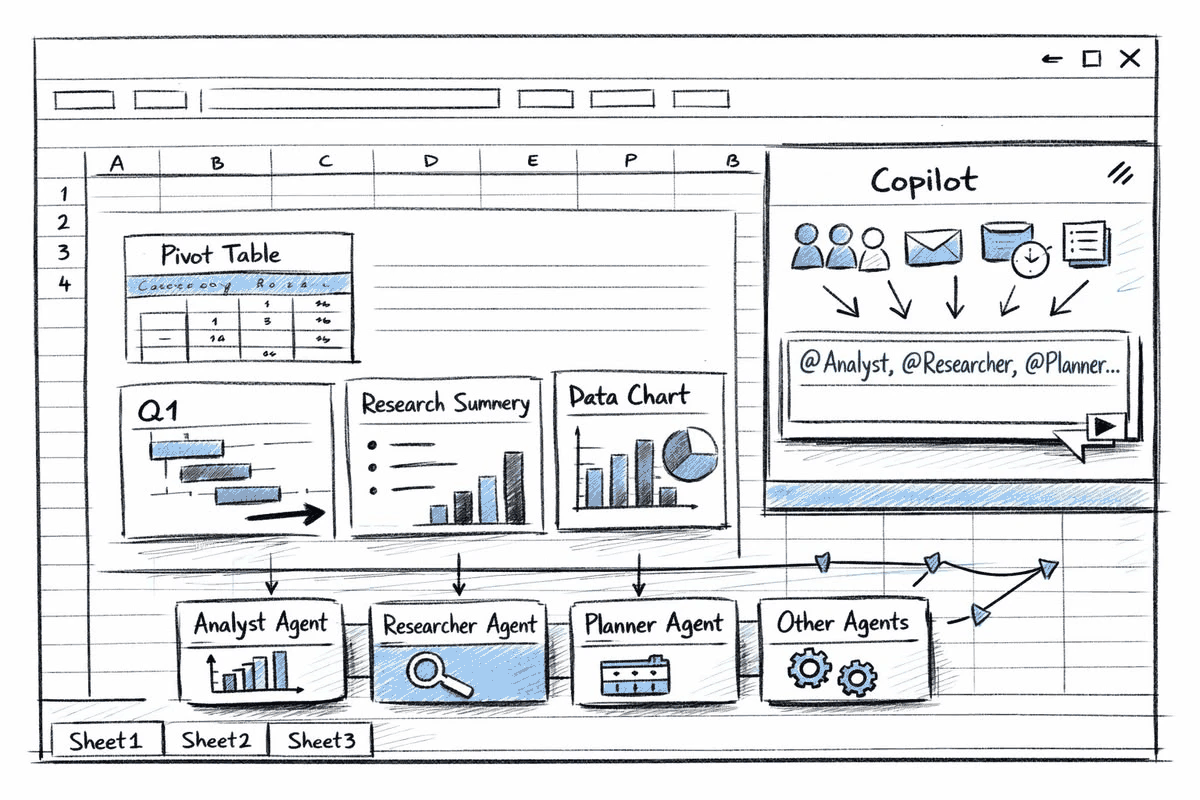
Excel cannot read a photo. Its handwriting feature only converts ink you draw into cells with a pen.
The free route loses your columns.Google's own help page says tables and columns are not likely to be detected.
Reading the words is solved. Putting them in the right cells is the actual job, and it is what you are paying for.
Pick a tool where a table is a deliberate output, not an afterthought. Polishr and the paid conversion services both work this way; free OCR does not.
Nobody's error rate is zero, including yours. Hospital staff retyping numbers by hand got 3.7% of them wrong.
No iPad and no stylus needed for any method here.
Yes, you can convert handwritten notes to Excel. Photograph the page, run it through
something that gives you back a table rather than a block of text, then
paste that into a sheet. The photograph is the easy half.
What makes this harder than ordinary handwriting-to-text is that a spreadsheet does not
want words. It wants words in the right cells. Almost every tool advertising
handwriting recognition hands you a paragraph and leaves the grid to you. If your page was
prose rather than a grid, the broader
guide to digitizing handwritten notes
fits better.
Why this is not really an OCR question
Handwriting recognition has two stages, and the tools that disappoint people do the
first and skip the second. Stage one reads the marks and returns characters. Stage two
works out that they sat in three columns under a header row, and that the middle one was
a quantity.
Stage one is close to solved and mostly free. Stage two is the thing
you are actually shopping for. This is why two people can both say a tool
“worked” on handwriting and mean entirely different things.
Most “handwriting to text” tools finish at the middle box. The gap between that box and the last one is the entire difficulty, and the whole price difference.
What Excel itself can and cannot do
Excel does have handwriting recognition built in, which is why this question
gets confusing answers. It is called the Action Pen, and
Microsoft's
own description is precise about where the ink has to come from:
“the Action Pen in Excel will help you handwrite directly in the
cells”
Directly in the cells. It converts strokes you make inside Excel with a pen or
a touchscreen, and Microsoft's page never mentions images, scans or files. If
you arrived here holding a piece of paper, this feature is not your answer, and a
surprising number of guides imply otherwise.
Why the free route fails at exactly this task
The advice you will meet most often is to upload the photo to
Google Drive and open it with Google Docs, which
runs free OCR over it. For prose that genuinely works. Google's help page is unusually
blunt about what it does not do:
“Lists, tables, columns, footnotes, and endnotes are not likely
to be detected.”
The free method everybody recommends documents, in its own words,
that it fails at the one structure you came for. You get your words, as a paragraph
in roughly reading order with the column boundaries gone. For a stocktake page that is not
a head start on a spreadsheet, it is a retyping job with extra steps.
That gap is what Polishr was built for. You
photograph the page and pick table as the output, so the structure is
decided before the text comes back rather than rebuilt afterwards. Then you adjust
it in plain words, for example “make the first row headers” or “split
that column in two”, and copy it into a sheet.
The notebook and the screen holding the same figures. Getting from one to the other is where the errors creep in, on both sides.
Nobody's error rate is zero, including yours
Every page on this subject compares machines to an imaginary human who never makes
mistakes. That human has been measured. In a study of outpatient glucose testing across two
academic medical centres, staff retyped instrument readings into patient records while the
instrument also reported them directly. Trained professionals, numbers only, real
consequences for getting it wrong:
“260 of 6930 (3.7%) manual entries were discrepant from their
interfaced result.”
Set that beside what handwriting recognition manages. The honest industry benchmark for
machine reading of handwriting is a character error rate of
“3–5% for handwriting
recognition”, against below 1% for clean printed text. Transkribus,
which specialises in historical handwriting, reports its HTR+ models reaching around
5% character error rate when given suitable
training data.
Bars are to scale. Sources in full at the foot of this page.
So the choice is not careful human against careless machine. Both have
an error rate, and they are closer together than anyone admits. What actually moves
the number is checking. In a controlled experiment, people entering data
once got 0.95% of values wrong, while the same data entered twice and compared dropped to
0.03%. Verification beats whichever method you picked, by a factor of
about thirty.
Recognition fails quietly. A 1 becomes a 7, a decimal point vanishes, and the result
sits in the cell looking perfectly ordinary. A spreadsheet has no equivalent
of a sentence that stops making sense. Two checks cost nothing:
Keep the photograph beside the sheet. One click away, not back in the drawer.
Total a column whose total you already know. A wrong digit shows up instantly in a sum and almost never shows up by reading.
The five routes, compared
What each method gives you from a photograph of a handwritten page.
Upload the photo, right-click, open with Google Docs. Free, nothing to install, good on
neat printing. It loses your columns and is weak on joined-up writing, so it is the right
pick only when the page is sentences rather than a grid.
Good for a page of prose you want searchable, where no table was involved.
02
An AI assistant
ChatGPT, Gemini
and Claude all read photographs of handwriting, and because
you ask in words you can request the shape as well as the text. Ask for CSV,
not a table: CSV pastes into Excel as cells, a chat table pastes as one lump.
The prompt that works
“Read this page and return it as CSV. First row is headers. Keep the columns
exactly as they appear. If a value is unclear, put it in square brackets.”
Those brackets matter: they turn the machine's guesses into a list you can check. We
pushed this further in can ChatGPT read
handwriting?
Cheapest decent answer, and fiddly at volume: every page is a fresh message, upload and
re-read.
Good for one or two pages, right now, with no new app.
Photograph the page and choose the shape you want back. Table is one of
nine, alongside clean notes, bullet points, action items and flashcards. Because the shape
is chosen before conversion rather than fixed after it, the columns are part of the job
instead of something you rebuild by hand.
It is a phone app, so one page at a time. Nobody is running a filing cabinet through it
in an afternoon. iPhone only, and it needs a connection.
Good for a page that was already a table on paper, where the columns are the point.
04
Dedicated handwriting-to-Excel services
Lido,
AlgoDocs and
HandwrittenToExcel.com are built around the structure problem rather than the reading problem,
which is the right instinct. AlgoDocs offers “free
document parsing for the first 50 pages” a month, enough to test it on your
handwriting before paying.
The trade is privacy. You are uploading your pages to a web service you
may not have heard of a minute ago. If the notes are medical, financial, or somebody
else's, read the privacy page before the pricing page.
Good for a large batch of forms or ledgers with one consistent layout.
05
Typing it in yourself
Kept on the list, but not for the reason people assume. For twenty rows it is ten
minutes, and it is not error-free, as the 3.7% above shows. Its real advantage is
that you read every value as you go, which is the verification
step every other method still owes you.
Good for one page, or any page where a wrong digit costs real money.
Common questions
Can Excel read a photo of handwriting?
No. Excel's Action Pen converts ink written straight into cells. Nothing
inside Excel reads an image of a page, so the conversion has to happen before the data
reaches Excel at all.
What about a handwritten table with proper columns?
Then skip free OCR, because that is precisely the case
Google's help page warns
about. Use a tool where a table is a deliberate output, or ask an assistant for
CSV.
Can I do a whole stack at once?
Bulk upload exists, but uploading was never the bottleneck. Checking the
output is, and that is one page at a time whichever route you took. Convert the pages you
will actually use and photograph the rest for storage.
Does any of this work with cursive?
Cursive is the dividing line for every method here. Neat printing works
nearly everywhere and joined-up writing does not, which is why specialist engines like
Transkribus exist for historical documents.
If that is your situation, digitizing old
letters is the closer guide. No maker's accuracy claim is worth more than a test on
your own worst page.
Do I need an iPad or a stylus?
No. A stylus only matters if you intend to write into a device
in future. It does nothing for paper you have already filled. For the phone-only route in
detail, see
scanning handwriting to text on
iPhone.
Is there a scanner app that does this?
Most scanner apps produce a PDF picture of your page rather than text,
which puts you back at the first box of the diagram.
Microsoft
Lens was retired in 2026 and many guides still recommend it; we list what replaced it
in Microsoft Lens alternatives.
Photograph it instead
Point your camera at the page.
Polishr reads the handwriting and hands it back in the shape you asked for: a table, clean notes, bullet points, action items or flashcards. Then you change it in plain words: make the first row headers, split that column, drop the last one.