Convert your handwriting into clean text.
Twenty minutes of typing up becomes a few seconds. Your notes come back clean, ordered and worded the way you would have worded them yourself.

Free to start. No card to try Pro.
Twenty minutes of typing up becomes a few seconds. Your notes come back clean, ordered and worded the way you would have worded them yourself.
Free to start. No card to try Pro.
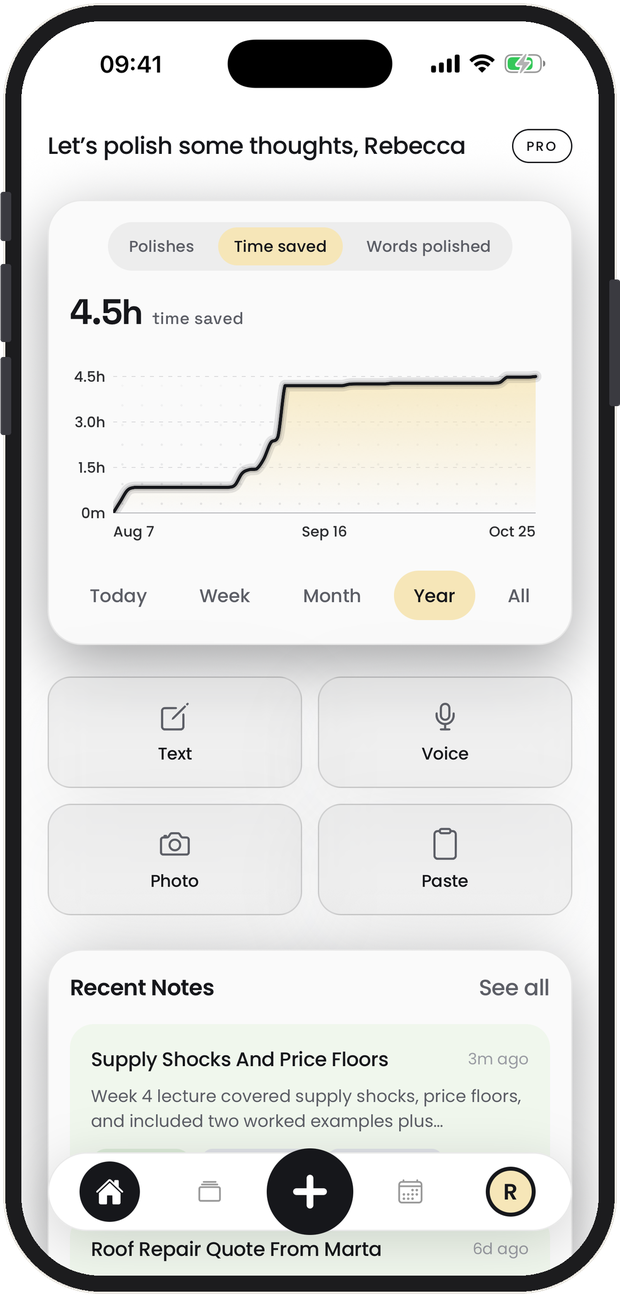
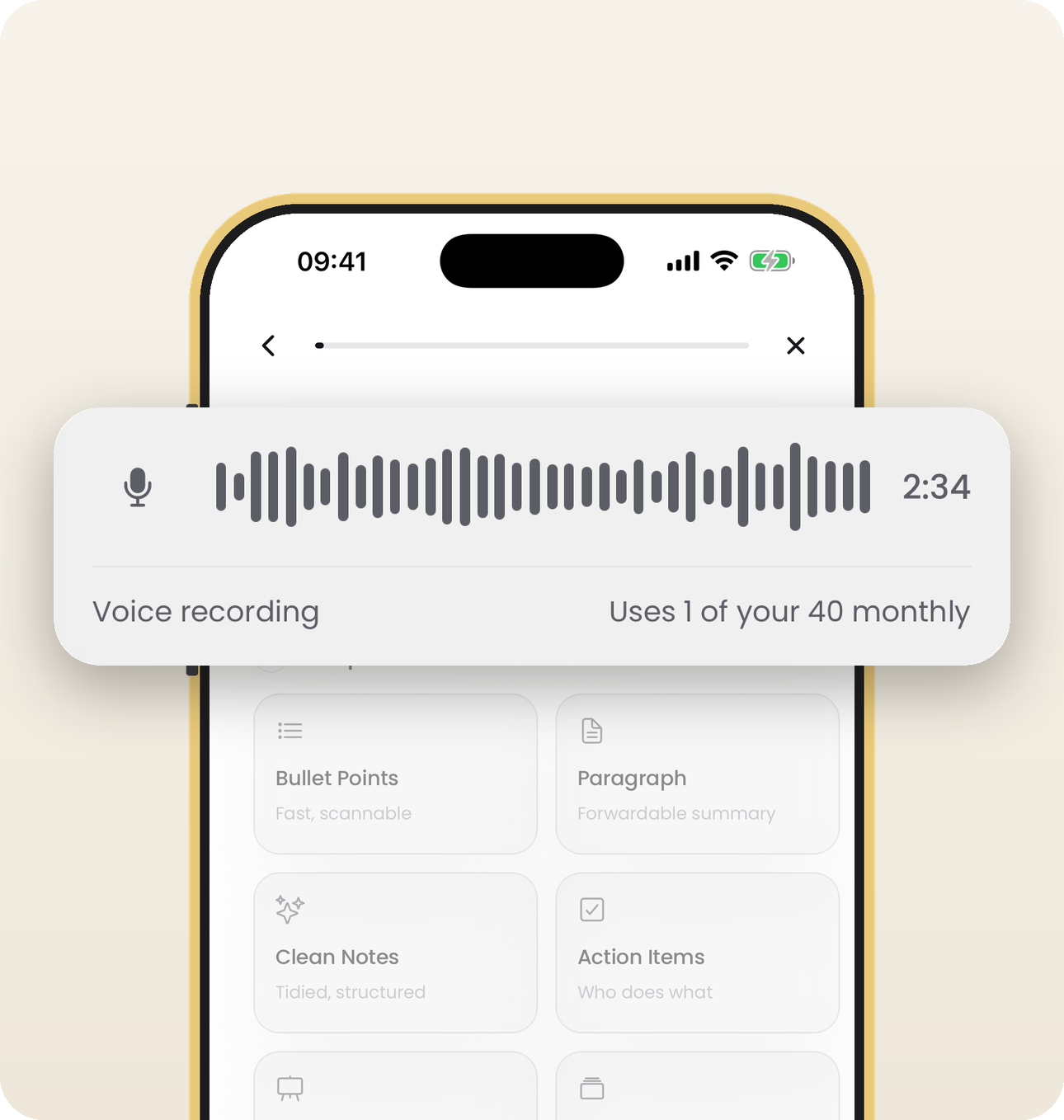
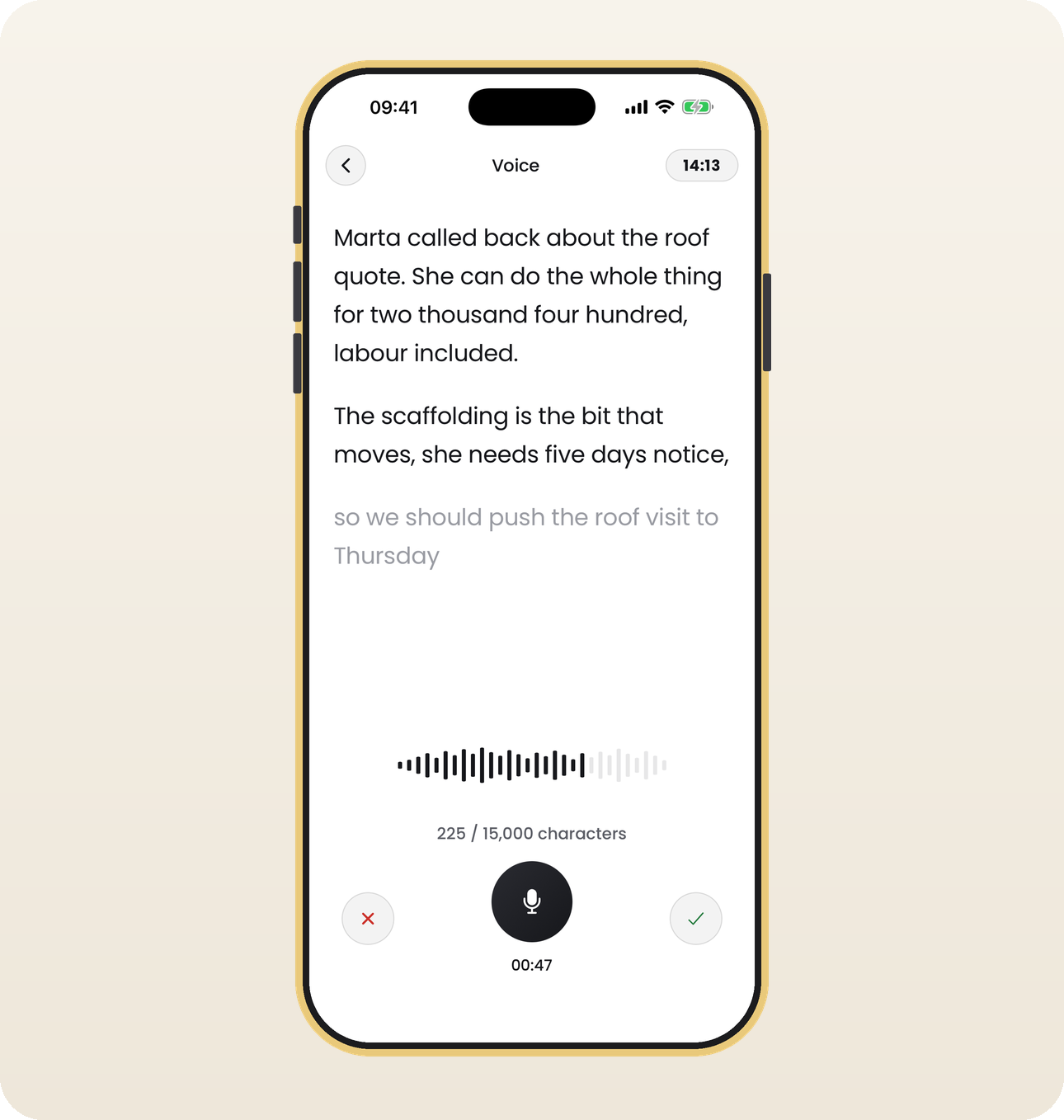
Photograph the page, talk to it, send a voice memo, or paste something you typed. Give it whatever you have, however messy it is.
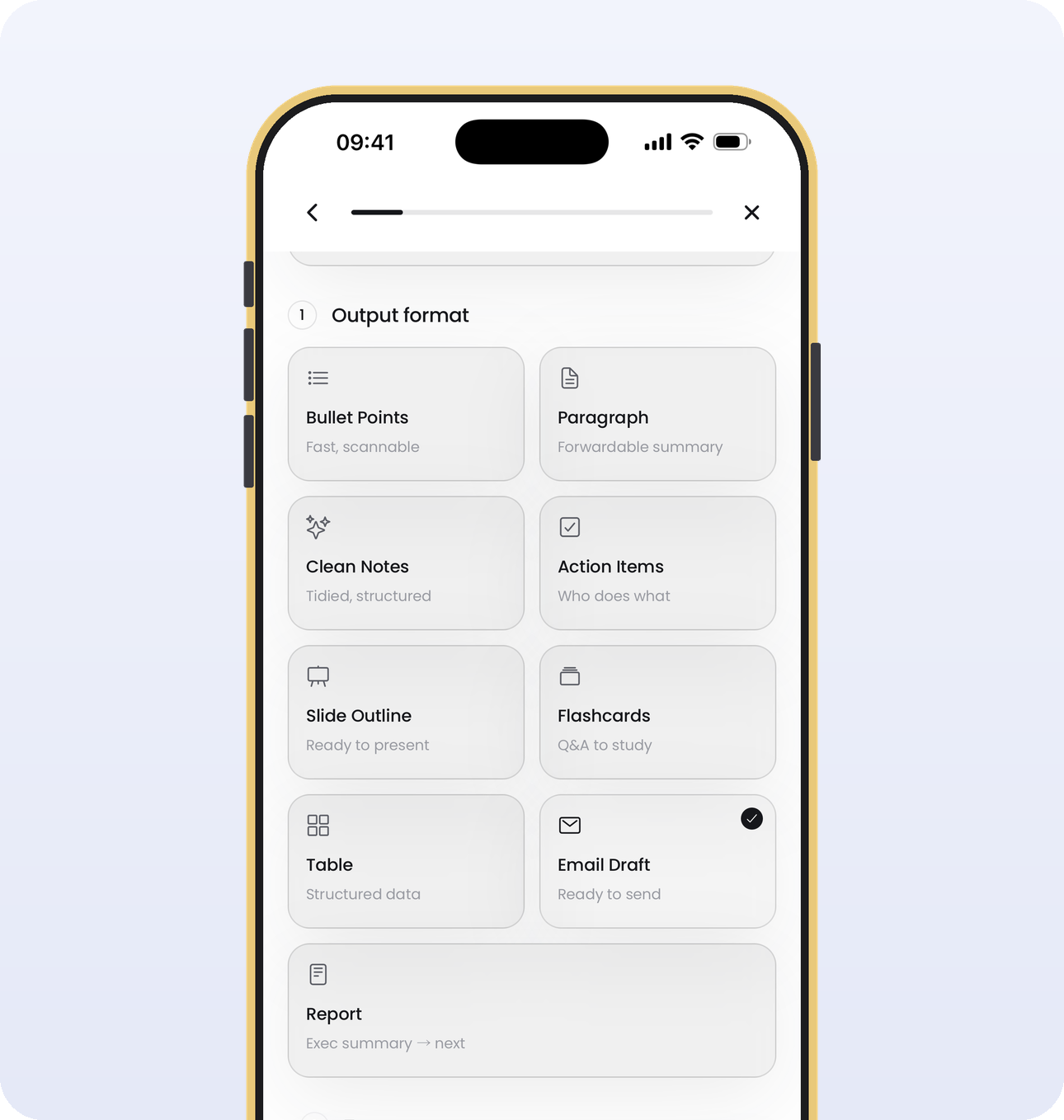
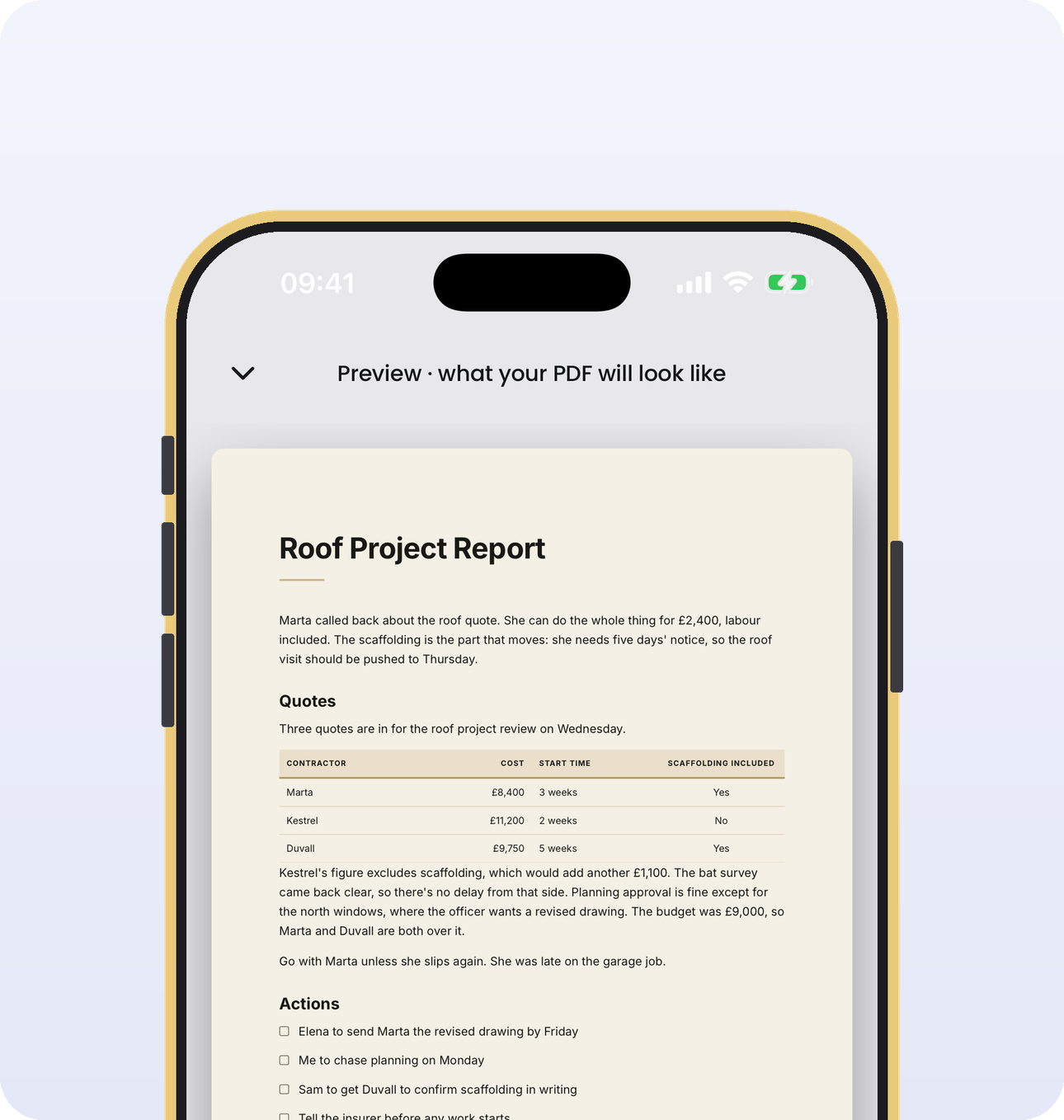
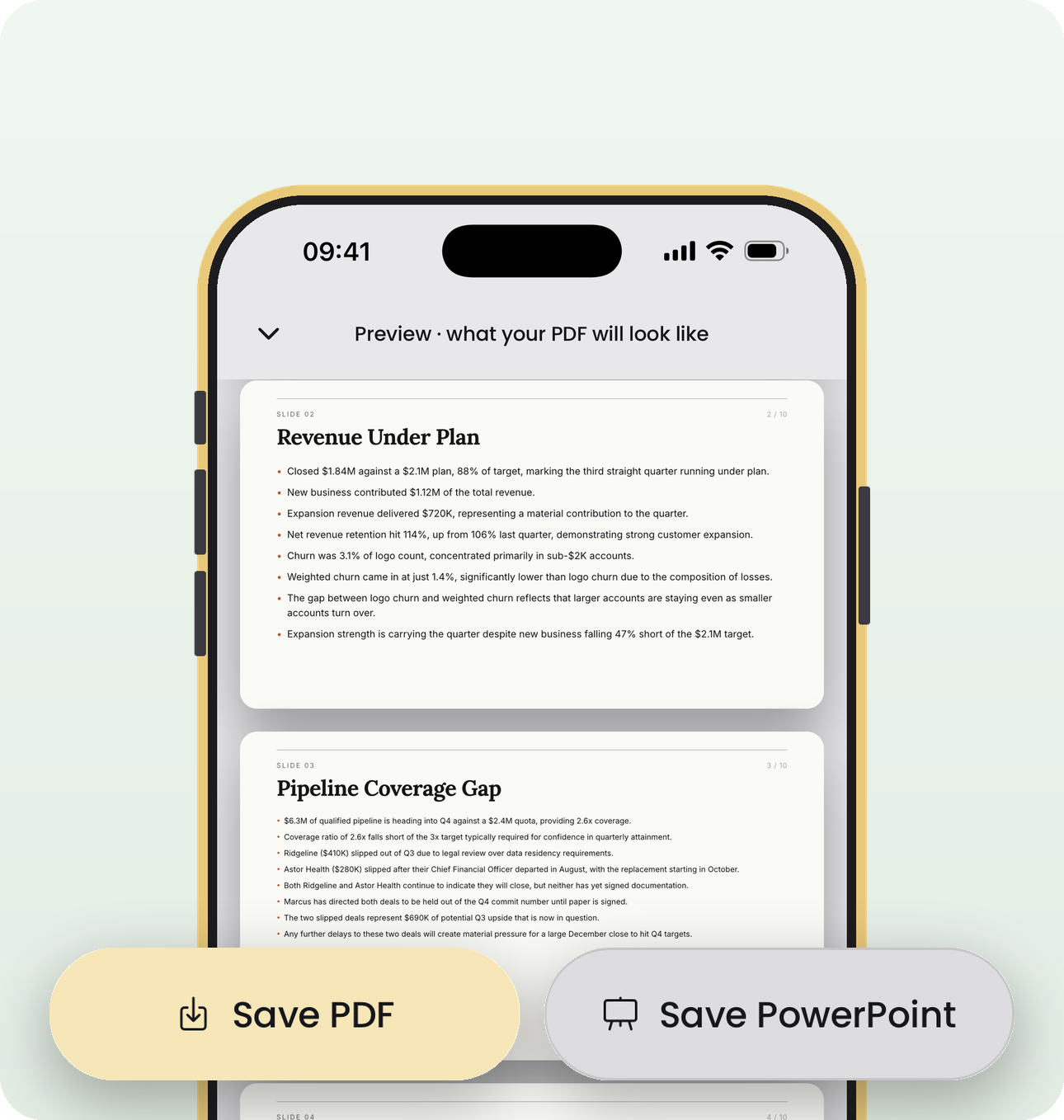
Nine shapes: clean notes, bullet points, a table, action items, flashcards, a slide outline, an email draft, a paragraph or a report.
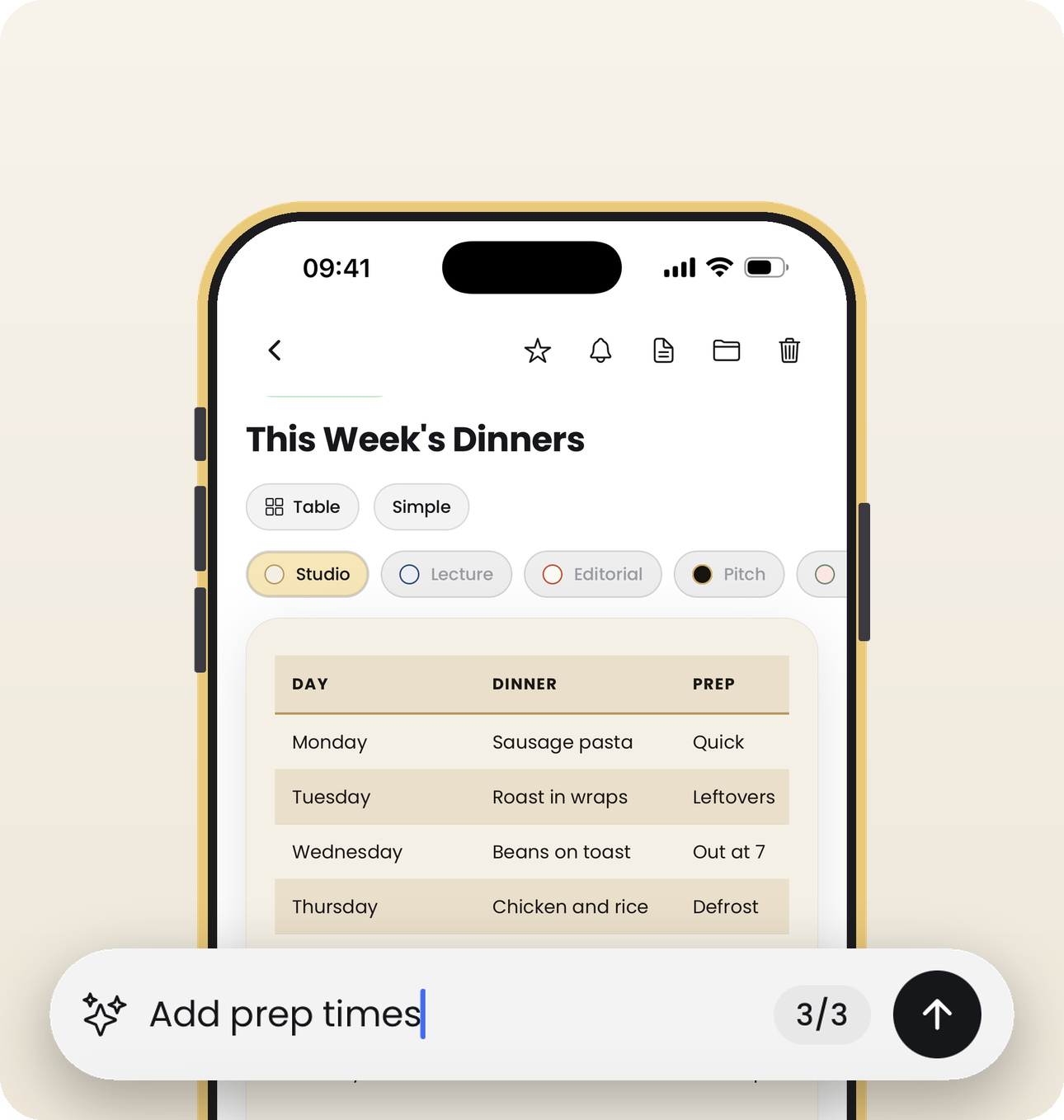
Make it shorter. Keep only what I have to do this week. Put the dates in a table. Add a heading for each client. Ask for anything and it is done.
Pick the shape you need and it comes back written, ordered and ready to send.
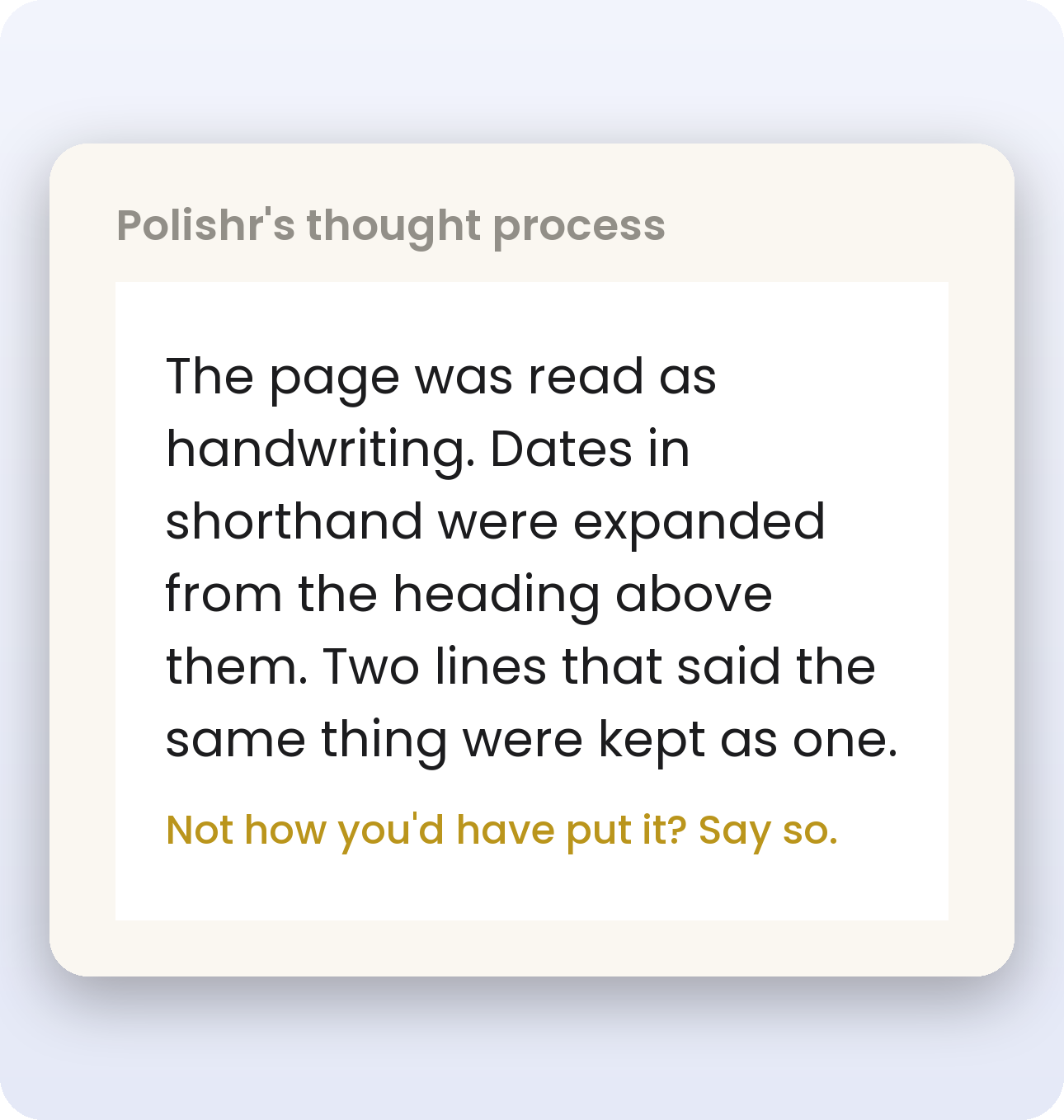
Yes. Cursive, print, a page with both. If you can't read your own writing back, it'll probably struggle too :)
Flat page, decent light, whole sheet in frame. Shadows falling across the writing are what kill it.
Yes, but that one's Pro. Free is one page at a time.
Photos go to the server to be read, then come straight back. Your voice never leaves the phone at all, it's transcribed right there on the device. Full detail on the privacy page.
No. Never.
Tell it what's wrong in plain words and it redoes it. Nothing to retype.
Twelve. You can also write in one and ask for it back in another.
For photos and text, yes. Recording your voice works without it, but turning that recording into notes doesn't.
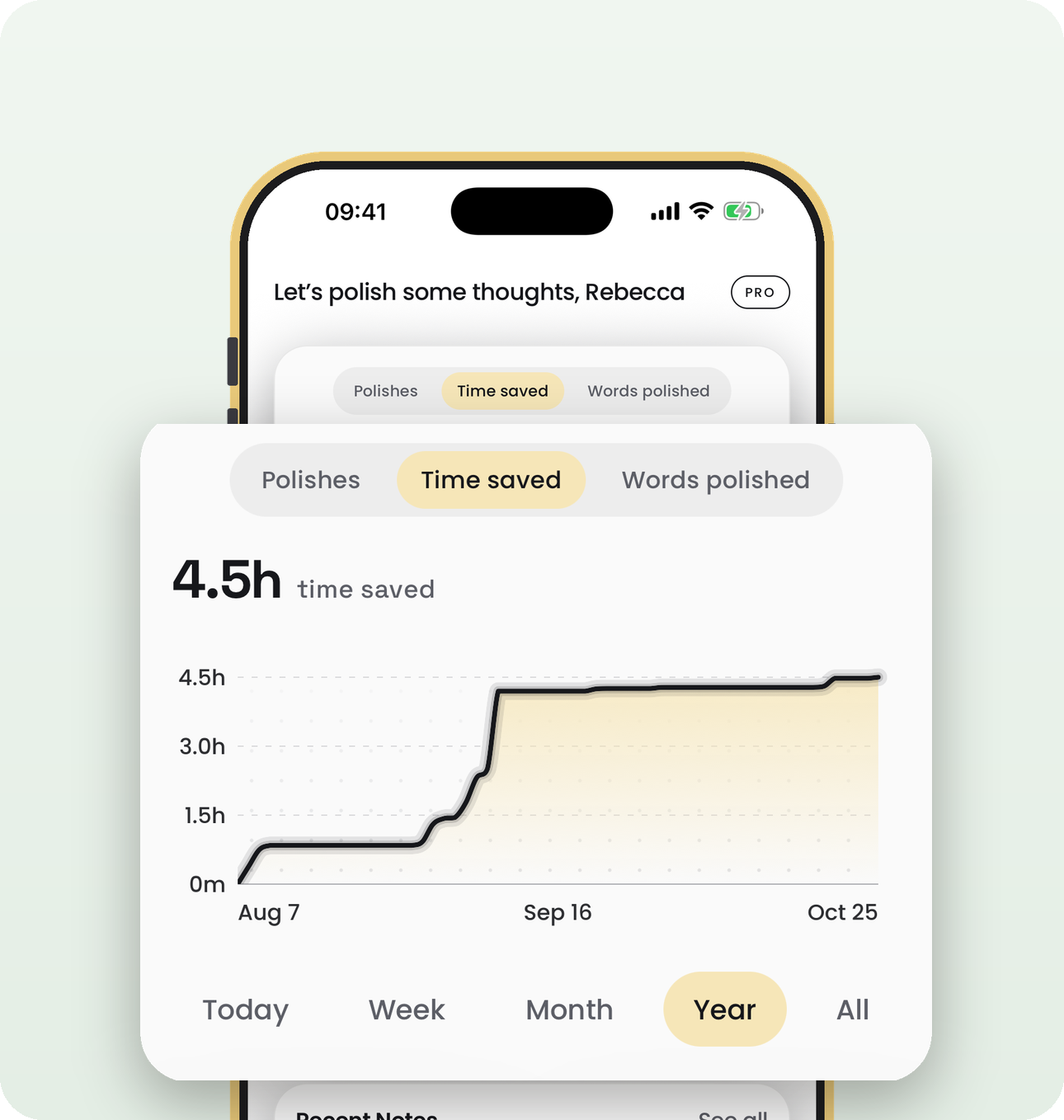
Free to start. Pro is $3.99 a week, $9.99 a month or $99.99 a year. Sorry it can't be cheaper. Every page gets read and rewritten by models that charge per use, so the cost lands every single time someone polishes something. That is also why Pro has a monthly allowance instead of being unlimited.